Make a photo sharper: AI upscale to 2x or 4x
Paid per use with credits
Enlarge a small or soft photo to 2x or 4x with sharper detail, restoring its wide-gamut color profile if it has one. Credits per run; sign-in required.
This tool is paid per use with credits; the prices page always shows the current cost.
Highlights
- Enlarge to 2x or 4x, with detail filled in by AI
- If the original has a wide-gamut color profile, the result gets that profile back
- About 10–40 seconds, or 30 seconds to 1 minute for large photos, depending on your connection
- Failures, time-outs and cancellations are not charged; you can close the page
- Sign-in required
Examples

Original 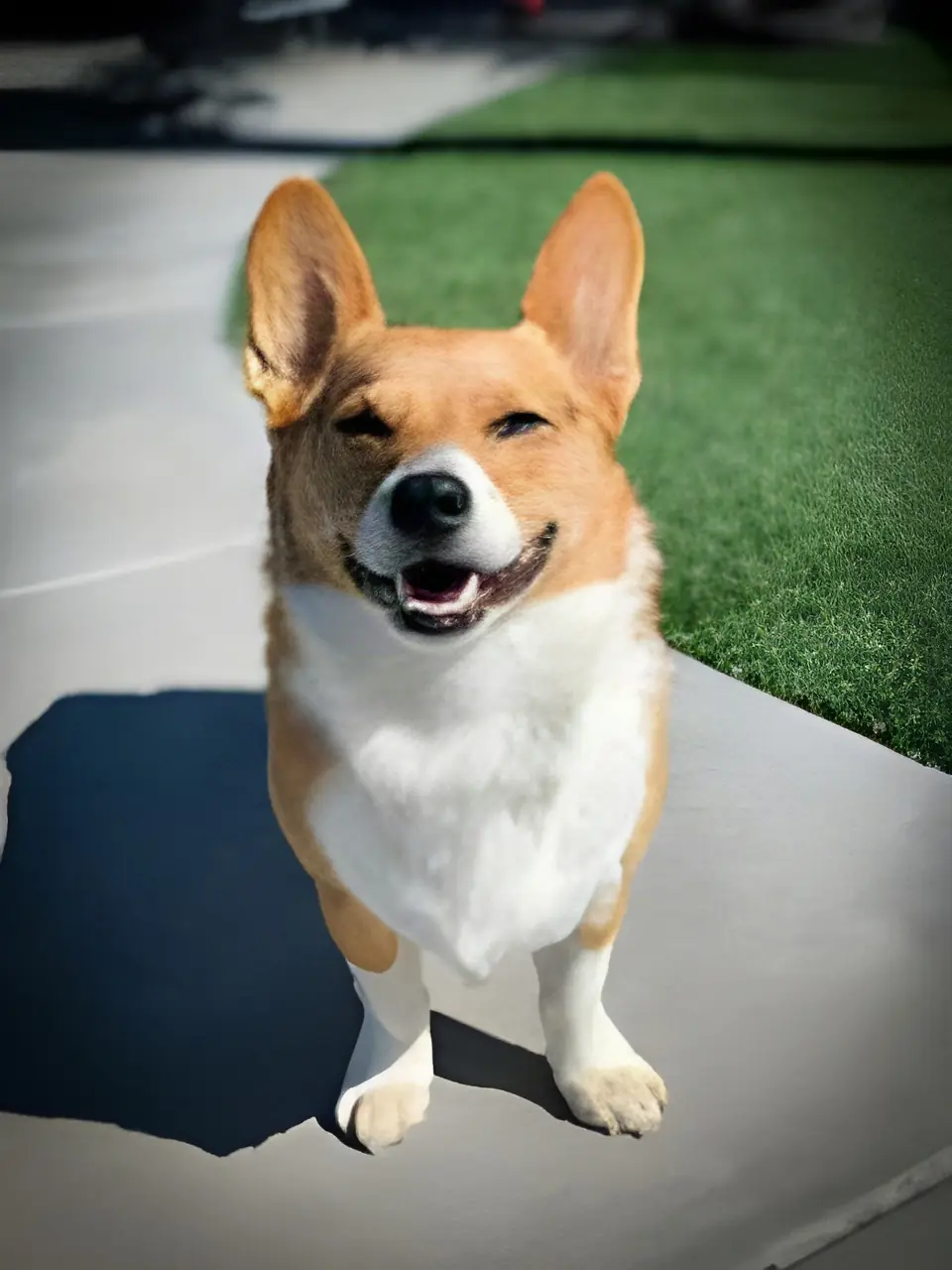
AI-generated 4x: 240×320 becomes 960×1280. The small input is a demo image: we shrank a corgi photo and blurred it slightly. The detail added is the AI's estimate, not detail that was really there when the photo was taken.
How to use
- Sign in, open the editor and choose or drop in a photo
- Pick “Upscale” in the toolbar and choose 2x or 4x; the page shows the output size and the cost of this run
- Click “Upscale image” and wait for it to finish
- Download the result; it is also kept in “My results”
What photos it suits
It suits small or soft photos you want to enlarge for printing or as source material. 4x only suits small, low-pixel images; for larger originals pick 2x, and the page tells you which factor to use.
Photos that are already large have little room to grow: ones beyond the supported size are refused with the reason shown, and nothing is charged. The detail that gets filled in is the AI's estimate and is not the detail that was really there when the photo was taken.
Cost and failures
It uses credits per run; see the prices page for the amount. Originals with more pixels cost more (the price is tiered by pixels), and the page shows the cost of this run before you start.
A failed upload, a processing error, a time-out, a cancellation or a result blocked by content safety review is not charged. You can close the page while it runs: you are charged only when it finishes, the result appears in “My results”, and a job is never charged twice.
If credits were charged but you did not get the result, contact us.
Color
Phone photos often carry a wide-gamut color profile. Upscaling puts the original's profile back into the result so colors stay closer to the original. If your device fails to read that profile (usually because the phone is short on memory), the page says so and lets you carry on with standard color, which may look slightly paler than the original.
Where results are kept, and privacy
Finished images are saved automatically in “My results” in this browser for 7 days and only your account can see them; switching browsers, clearing browser data or signing out removes them, so download what you want to keep.
Upload only images you have the right to edit; unlawful content is not allowed, see the user agreement. Images are handled by a third-party AI service, see the privacy policy.
FAQ
- How much does upscaling cost?
- It uses credits per run; see the prices page. Originals with more pixels cost more. Prices can change, so go by the prices page and the amount shown in the tool.
- Am I charged if it fails?
- No. Failed uploads, failed runs, time-outs and cancellations are not charged, and a job is charged at most once.
- What if I close the page halfway?
- That is fine. Processing continues, the result shows up in “My results”, and you are charged only when it finishes.
- Is the added detail real?
- No. The added detail is the AI's estimate and is not the detail that was really there when the photo was taken.