Resize images online
Free
Change the width and height of an image to bring a large photo under an upload limit. Scale to 100%, 50% or 25% in one click, or type your own size, right in your browser: your image is not uploaded.
Highlights
- One-click 100%, 50% and 25%, or type a width and height
- Lock the aspect ratio so nothing gets stretched
- Runs in your browser; your image is not uploaded
- Free to use
Examples
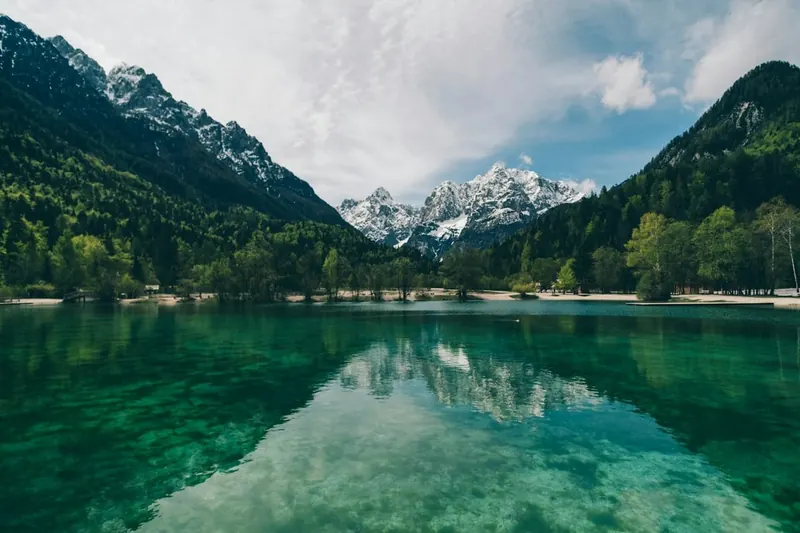
Original 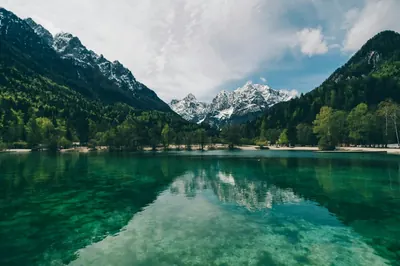
After Example: scaled to 50%, half the width and half the height (sample image, same scale processed locally)
How to use
- Open the editor and choose or drop in a photo
- Pick “Resize” in the toolbar, then click a percentage or enter a width and height
- Save it to your device
Good to know
With the aspect ratio locked, changing the width or the height works out the other side from the original proportions, so the picture is never squashed or stretched.
If you enlarge past the original size, the tool warns that the picture may turn blurry: enlarging spreads the existing pixels apart and does not add new detail.
Which images work
JPG, PNG and WebP images are supported, up to 50 MB per file and 40 megapixels. Animated images such as GIFs can't be edited; use a still image instead.
Images with a wide-gamut (Display P3) or CMYK color profile open too, with colors converted correctly; CMYK images are limited to 24 megapixels.
FAQ
- A site says my image is too big. What should I do?
- Make the width and height smaller and save again; the file usually gets much smaller. To shrink it further, use Convert format afterwards and lower the JPEG or WebP quality.
- Is my image uploaded?
- No. This tool works on the image right in your browser; it is not sent to our servers or to any other service.
- Does it cost anything?
- This tool is free to use.