Split an image into a 3×3 grid online
Free
Slice a square photo into 9 equal tiles for 3×3 grid posts on social media, right in your browser: your image is not uploaded.
Highlights
- Slice one square image into 9 equal tiles
- Not square? Crop it to a square first in one click
- Save tile by tile on a phone if needed
- Runs in your browser; your image is not uploaded
- Free to use
Examples

Original 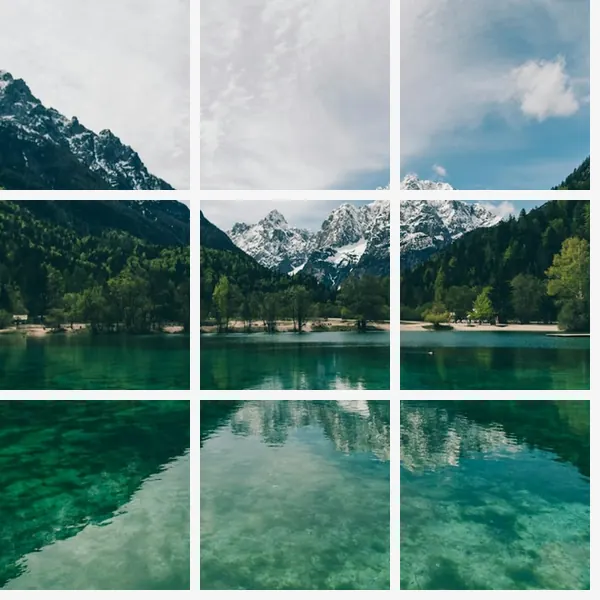
After Example: one square image split into 9 tiles (sample image; the white gaps are only there to show the 9 tiles, and the saved tiles have no gaps)
How to use
- Open the editor and choose or drop in a photo
- Pick “Grid split” in the toolbar; if the image is not square, click “Crop to square”
- Click “Split into 9 and download”; if your phone browser saves only one, click “Split only, save one by one” and save each tile
Why the image has to be square
A 3×3 grid needs 9 equal square tiles, so the picture must be square. If it isn't, the tool says so and offers “Crop to square”, so you can pick which part to keep first.
Saving on a phone
Some phone browsers, or a phone with a floating window open, save only 1 of the 9 files when they all download at once. In that case click “Split only, save one by one”: the page lists the 9 tiles and you save each on its own.
Which images work
JPG, PNG and WebP images are supported, up to 50 MB per file and 40 megapixels. Animated images such as GIFs can't be edited; use a still image instead.
Images with a wide-gamut (Display P3) or CMYK color profile open too, with colors converted correctly; CMYK images are limited to 24 megapixels.
FAQ
- Is my image uploaded?
- No. This tool works on the image right in your browser; it is not sent to our servers or to any other service.
- Does it cost anything?
- This tool is free to use.