Convert image format online
Free
Save an image as PNG, JPEG or WebP instead. JPEG and WebP have a quality setting to balance sharpness against file size, right in your browser: your image is not uploaded.
Highlights
- Output to PNG, JPEG or WebP
- Quality slider for JPEG and WebP to control file size
- Runs in your browser; your image is not uploaded
- Free to use
Examples
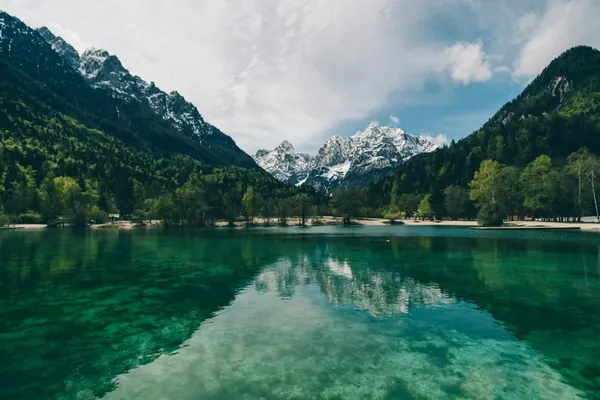
After Example: the same 600×400 pixel image is about 368 KB as PNG, about 51 KB as JPEG (quality 85) and about 33 KB as WebP (quality 80). Sizes vary with image content; these are measured values for this one image.
How to use
- Open the editor and choose or drop in a photo
- Pick “Convert format” in the toolbar, then choose PNG, JPEG or WebP
- For JPEG and WebP, drag the quality slider; for formats without transparency, choose a background color
- Save it to your device
Which format to pick
PNG does not compress away any detail and supports a transparent background. It suits screenshots, icons and anything that needs transparency; photos saved as PNG make larger files.
JPEG suits photos but has no transparency. If your image has transparent areas, converting to JPEG fills them with the background color you choose.
WebP also suits photos, usually makes a smaller file than JPEG at similar quality, and supports transparency. A few older programs and sites don't accept WebP; save as JPEG if you need to.
Which images work
JPG, PNG and WebP images are supported, up to 50 MB per file and 40 megapixels. Animated images such as GIFs can't be edited; use a still image instead.
Images with a wide-gamut (Display P3) or CMYK color profile open too, with colors converted correctly; CMYK images are limited to 24 megapixels.
FAQ
- What happens to a transparent background when I convert to JPEG?
- JPEG has no transparency, so the tool fills the transparent areas with the background color you choose before converting. To keep transparency, save as PNG or WebP.
- Is my image uploaded?
- No. This tool works on the image right in your browser; it is not sent to our servers or to any other service.
- Does it cost anything?
- This tool is free to use.